
The same character, from start to finish.
Register your characters with a reference image and a description. In every generated scene, DarkLAB injects the right references: same face, same outfit, the same visual story.
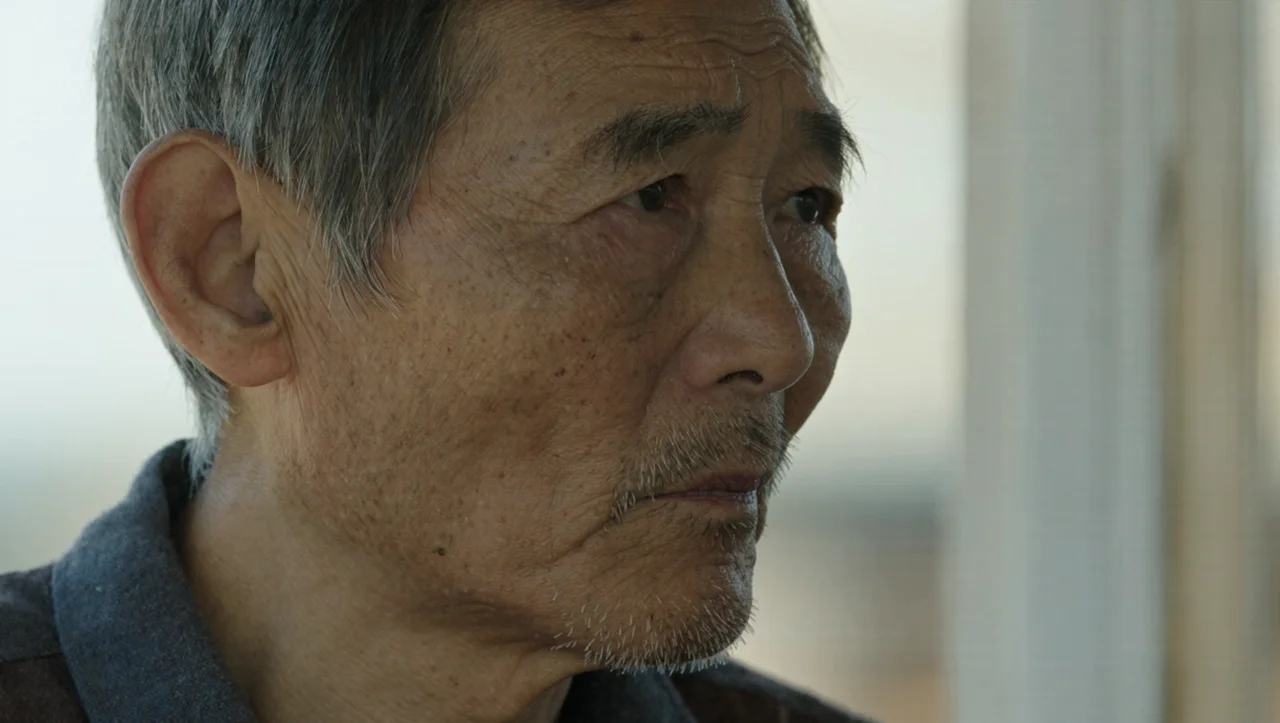 Scene 03Scene 11Scene 19Scene 27
The same face in every scene
- 01
Build the cast
Name, reference image and description for each character.
- 02
Generate the scenes
The references go into every prompt, no pasting needed.
- 03
Keep the story
The lead comes back the same in every scene of the video.
Consistent characters
Reference images
Used as references for style and character.
A cast per video
Each automation has its own characters.
Several per scene
Two or more characters sharing a scene, each true to themselves.
Also through chat
Send characters and references while talking to Claude, through MCP.
Included from Plus
Subscribe and use the tool in the DarkLAB panel, along with every other tool in the same plan.
from R$ 109,90/moEven better with these
Questions about Consistent characters
Register your characters with a reference image and a description. In every generated scene, DarkLAB injects the right references: same face, same outfit, the same visual story.
1. Build the cast: Name, reference image and description for each character. 2. Generate the scenes: The references go into every prompt, no pasting needed. 3. Keep the story: The lead comes back the same in every scene of the video.
From the Plus plan, at R$ 109,90 per month, and in every plan above it.
Consistent characters works well with Automations, MCP for Claude and Templates.
Ready to use Consistent characters?
Create your account, pick your plan and start now.